
Readme
Qwen Image 2 is a unified image generation and editing model from Alibaba’s Qwen team. It handles both text-to-image and image editing in a single model, with a focus on two things that matter in real workflows: reliable text rendering and high-fidelity photorealism.
The model uses a 7 billion parameter architecture (8B Qwen3-VL encoder + 7B diffusion decoder) and generates images at native 2K resolution (up to 2048×2048). It currently holds the #1 spot on AI Arena’s blind evaluation leaderboard for both generation and editing.
What it’s good at
Text rendering. Qwen Image 2 can render readable text in images — titles, labels, signs, posters, infographics. It supports prompts up to 1,000 tokens, so you can describe complex layouts with multiple text blocks, columns, and visual hierarchy. It’s especially strong with Chinese text.
<img src=”https://replicate.delivery/xezq/qDySbfFlTGw3IikwGh2HMg23Ib8qis8v5y7NVJA8z8YBZzGLA/tmpn5phjjf0.png” alt=”Tokyo travel poster generated by Qwen Image 2” width=”400”>
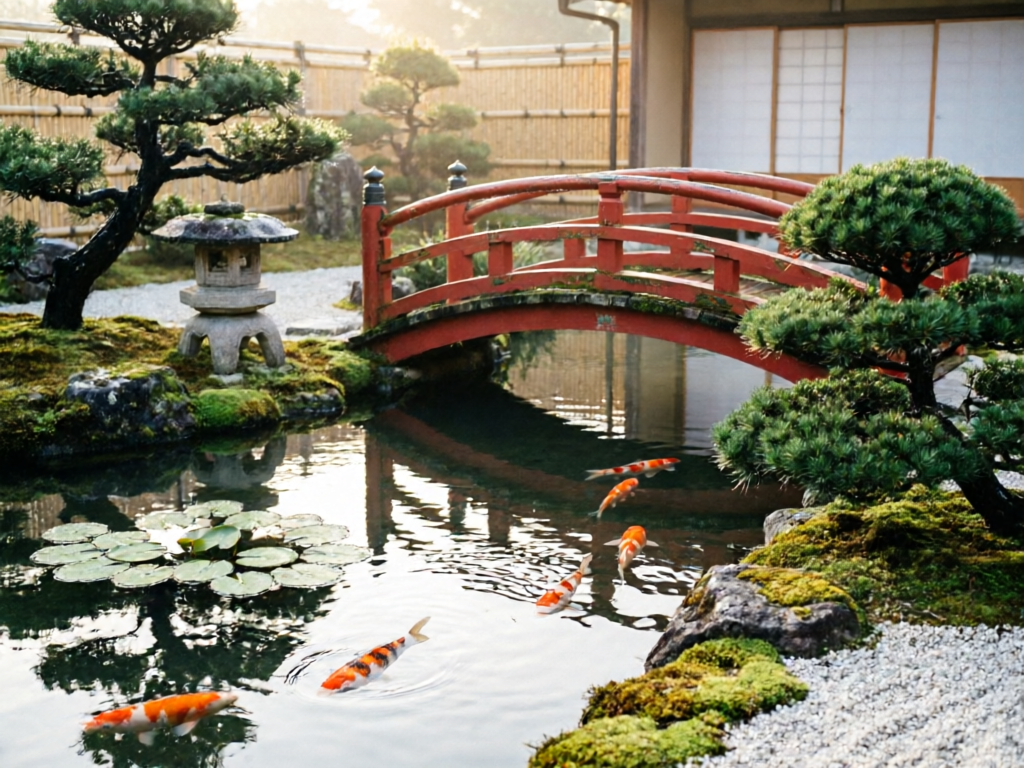
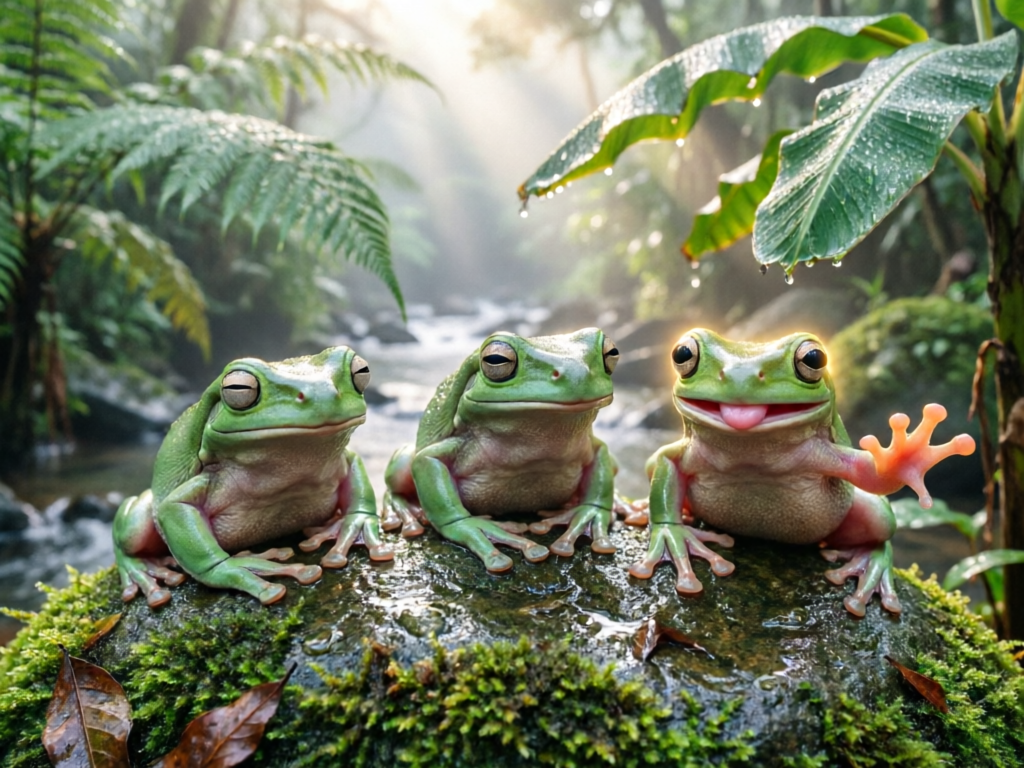
Photorealism. The model produces detailed, realistic images across common categories: people (skin, hair, clothing texture), nature (foliage, water, atmosphere), and architecture (materials, geometry, lighting).
<img src=”https://replicate.delivery/xezq/IR3KbeQiVxU2HCmyonTqGYTEvfe3nE8C3JbdlkfiO1kGIb2YB/tmp17nhq_ae.png” alt=”Photorealistic dewdrop on rose petal” width=”400”>
Image editing. Pass a reference image along with a text prompt to edit, restyle, or transform existing images. You can do style transfer, add or remove elements, and change lighting or mood — all without switching to a separate model.
Inputs
- prompt — What you want to generate or how you want to edit the image. For best results, describe structure before style: layout and content first, then aesthetic details.
- image — An optional reference image for editing or style transfer.
- match_input_image — When true and an image is provided, the output matches the input image’s aspect ratio and resolution instead of using the aspect_ratio parameter.
- aspect_ratio — The shape of the output image. Options:
1:1,16:9,9:16,4:3,3:4,3:2,2:3,2:1,1:2. Default is1:1. - enable_prompt_expansion — Automatically expands and optimizes your prompt. On by default.
- negative_prompt — Describe what you don’t want in the image.
- seed — For reproducible results. Range: 0–2147483647.
Tips
- Write structure before style. Describe the layout (“big centered title, two columns below, footer with date”) before the aesthetic (“clean sans-serif, dark blue gradient”).
- Be specific about text. Include the exact strings, language, casing, and alignment. Add “spell exactly” if precision matters.
- For photorealism, hint at camera settings. Light descriptions like “50mm lens”, “soft daylight”, or “shallow depth of field” help without over-constraining.
- For editing, state constraints explicitly. Write “do not change the background” or “keep lighting realistic” — the model follows explicit constraints better than implied ones.
Also available
For higher quality output with enhanced text rendering and realism, try Qwen Image 2 Pro.
Qwen Image 2 is licensed under Apache 2.0. You can read more about the model in the Qwen team’s blog post and the API documentation.
You can try this model on the Replicate Playground.